

USB-C to HDMI 2.1 HDR 8K Adapter
About this item
Pairs well with
SAME DAY SHIPPING order by 11 AM (EST)
Free Shipping Orders Over $50
Technical Support
30 Days Return
1-Year Warranty
USB-C to HDMI 2.1 HDR 8K Adapter
Product details
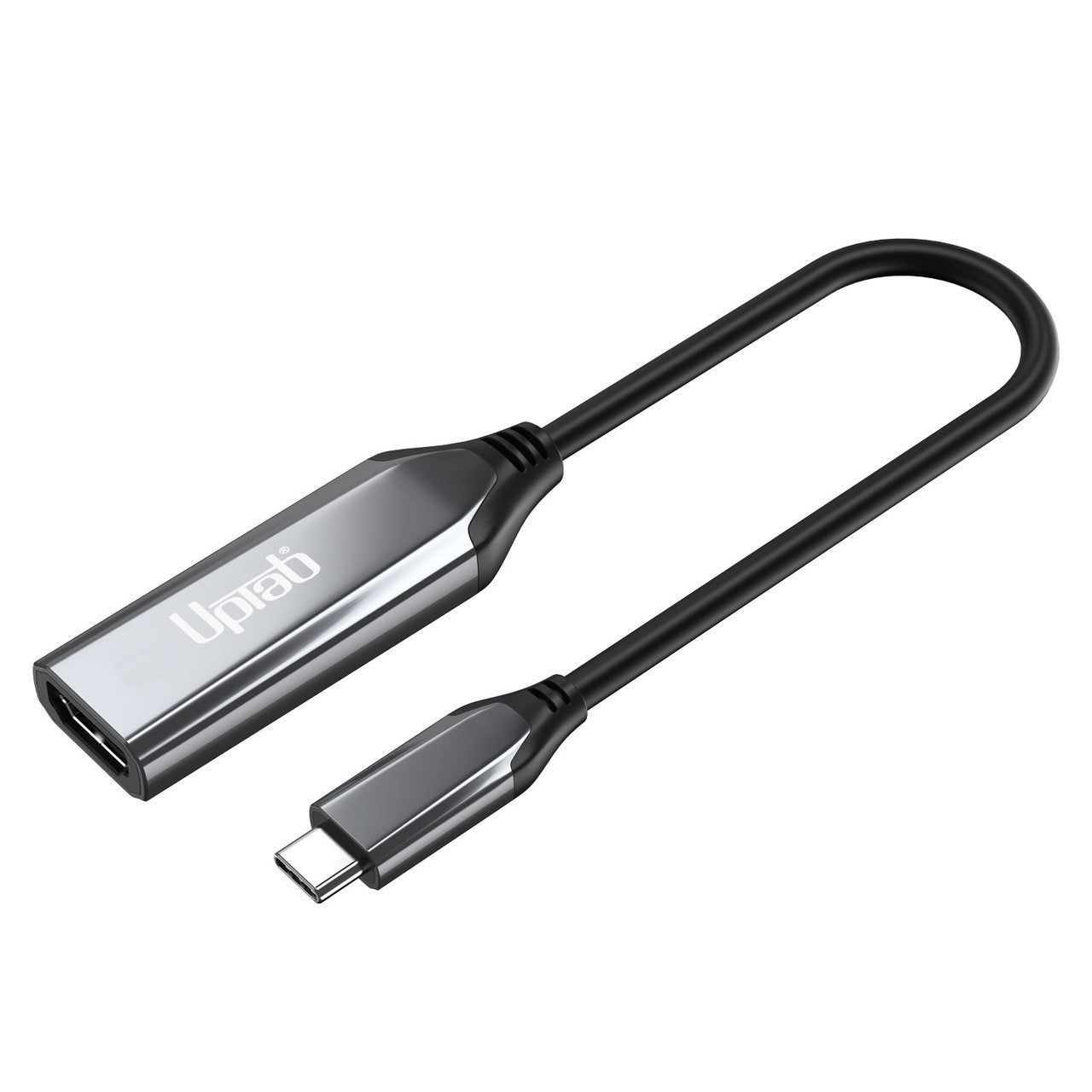
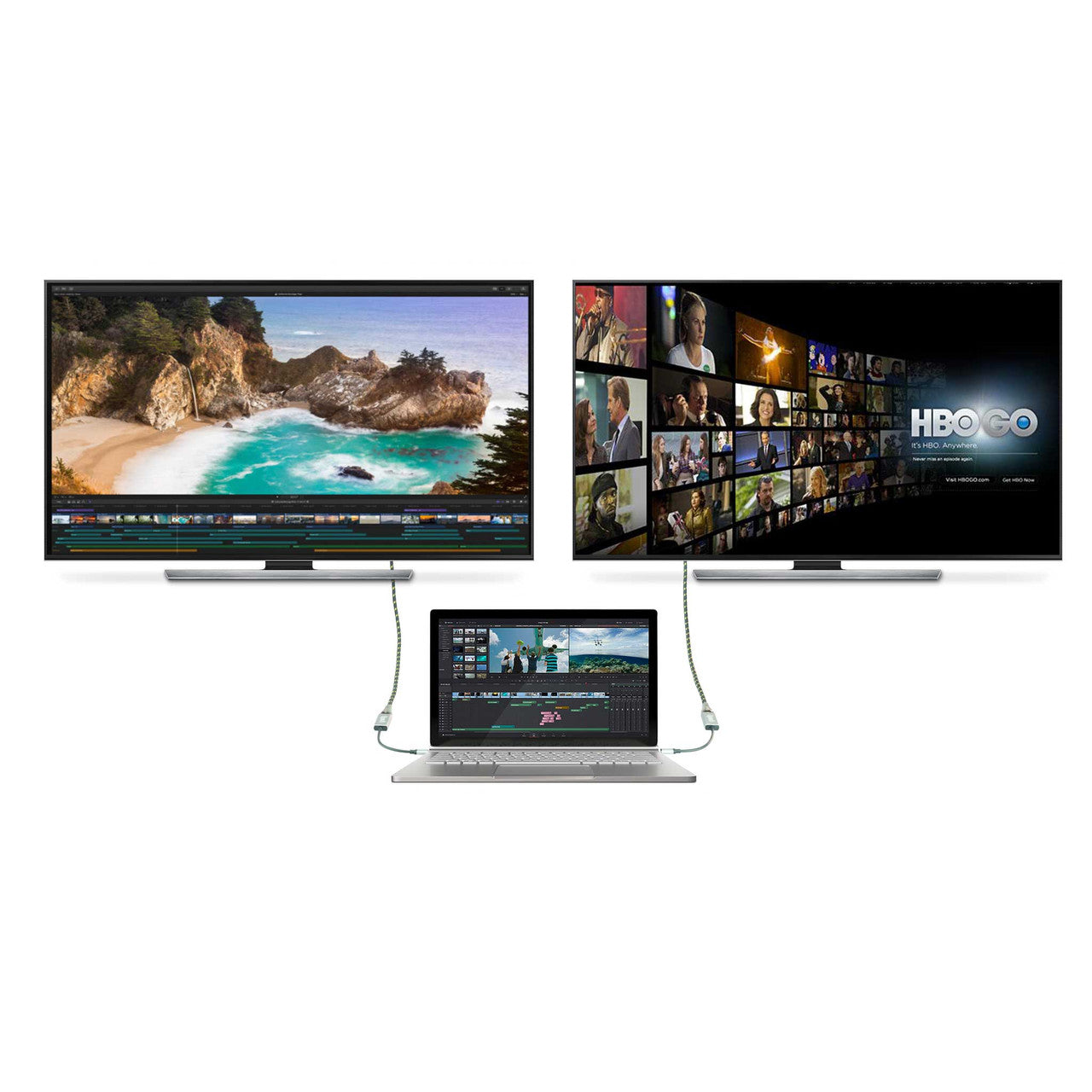
The UPTab USB-C 3.2 (Type-C) to HDMI 2.1 Adapter facilitates connectivity between USB-C and Thunderbolt 3/4-enabled systems and 8K/4K Ultra HD displays via an HDMI 2.1 interface. Engineered for high-performance applications—including advanced computing, gaming, and graphics—the adapter delivers a maximum throughput of 48 Gbps. It is optimized for 8K video output at 60 Hz with HDR support. This device is a suitable accessory for Apple MacBook, MacBook Pro/Air, iPad Pro, iMac, and the M4 Mac Mini.
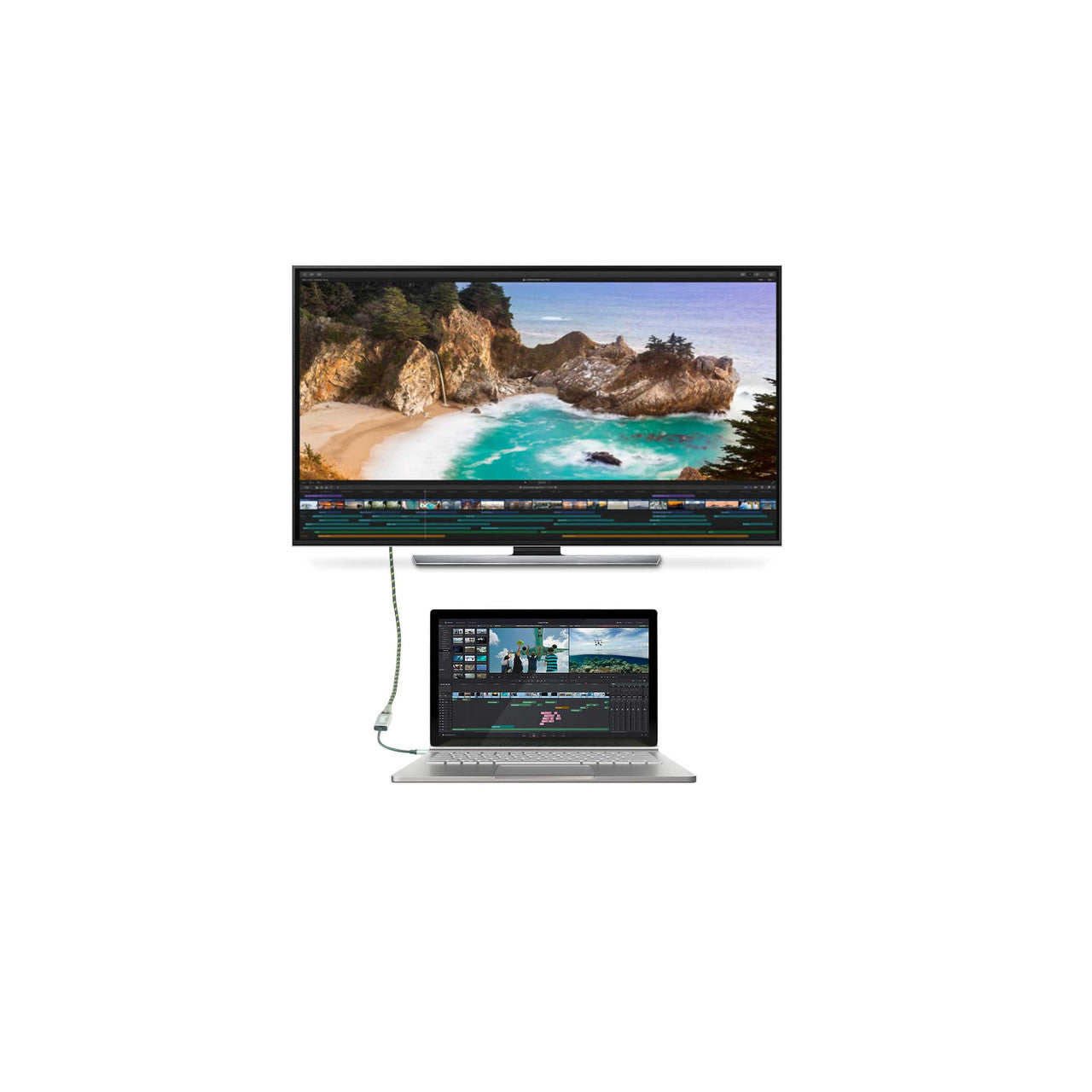
To operate, connect the USB-C connector to the host device and attach an HDMI 2.1 cable from the display to the adapter (HDMI cable sold separately). The adapter converts the USB-C graphics signal to HDMI at resolutions up to UHD 8K (7680 × 4320) at 60 Hz. It supports 4:4:4 color formatting, enabling true RGB output without the chromatic degradation associated with subsampling. Additionally, the adapter transmits up to 8-channel audio, ensuring an immersive audiovisual experience.
Highlights:
- Ideal for gamers and other high-level computing requirements
- Supports 4:4:4 color format with clear RGB colors
- Audio up to 8-channel audio
- HDMI 2.1 throughout up to 48Gbps
- Small, portable design
- Multi-shielded cable with aluminum body
- Converts DisplayPort video signal at up to UHD 8K 7680×4320@60Hz or 4K 4096x2160@120Hz, including 1440p at 120Hz
Technical Specifications:
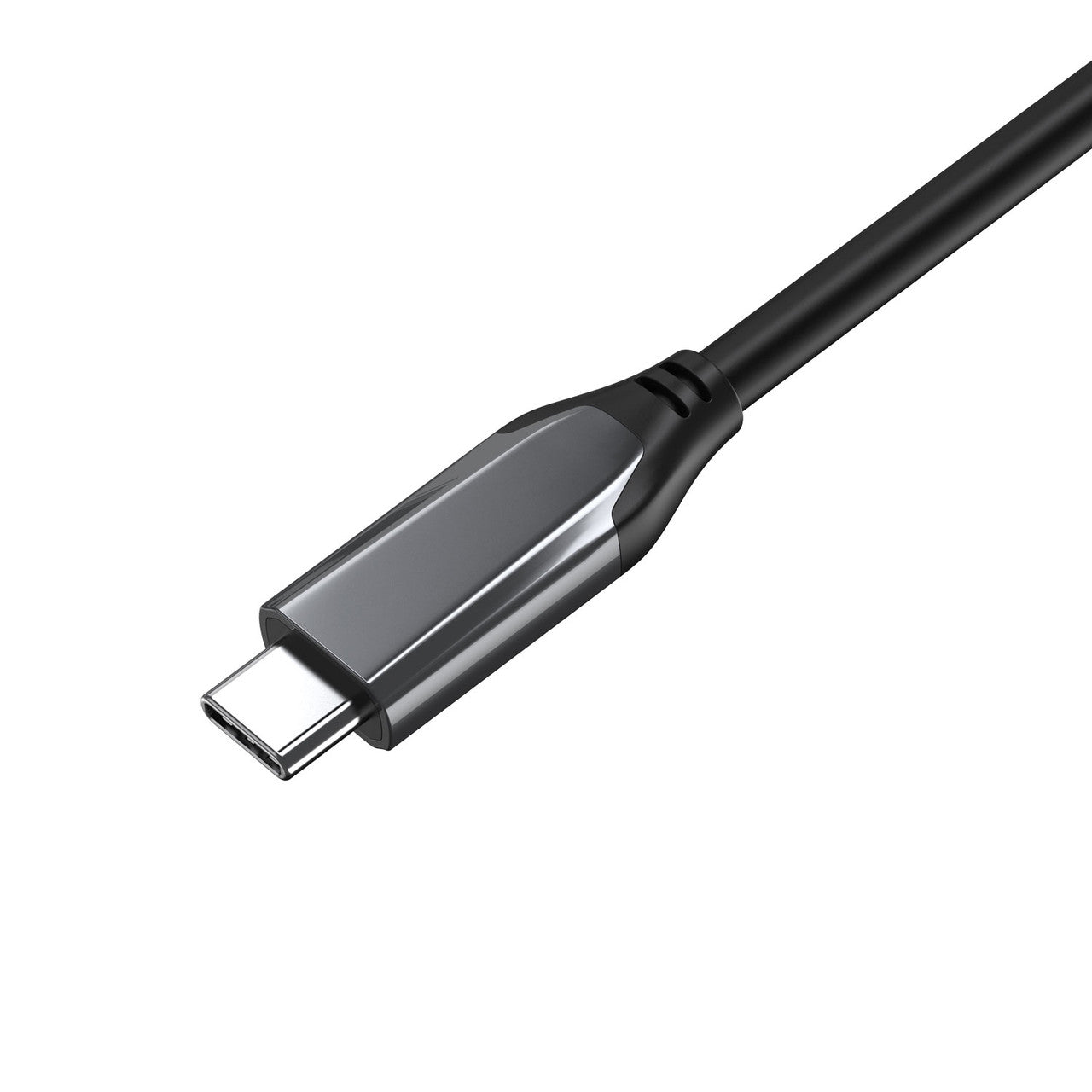
- Input: USB-C (Type-C)
- Support 1/2/4 lanes up to HBR3 (8.1-Gbps) input
- Built-in high-performance adaptive equalizer
- Support 1-MHz AUX channel
- Support DSC v1.2a and be backward compatible with the former versions
- Support DSC decoder and pass-through mode
- Support max. resolution/timing up to 8K@60p / 4K@120Hz
- Support CEC over the AUX channel
- Support LPCM audio format with max audio sample rate up to 8-channel 192KHz
- Support HBR audio format up to 2-channel 768KHz
- Support 3D audio format up to 16-channel 96KHz
- Self-powered, no external power required
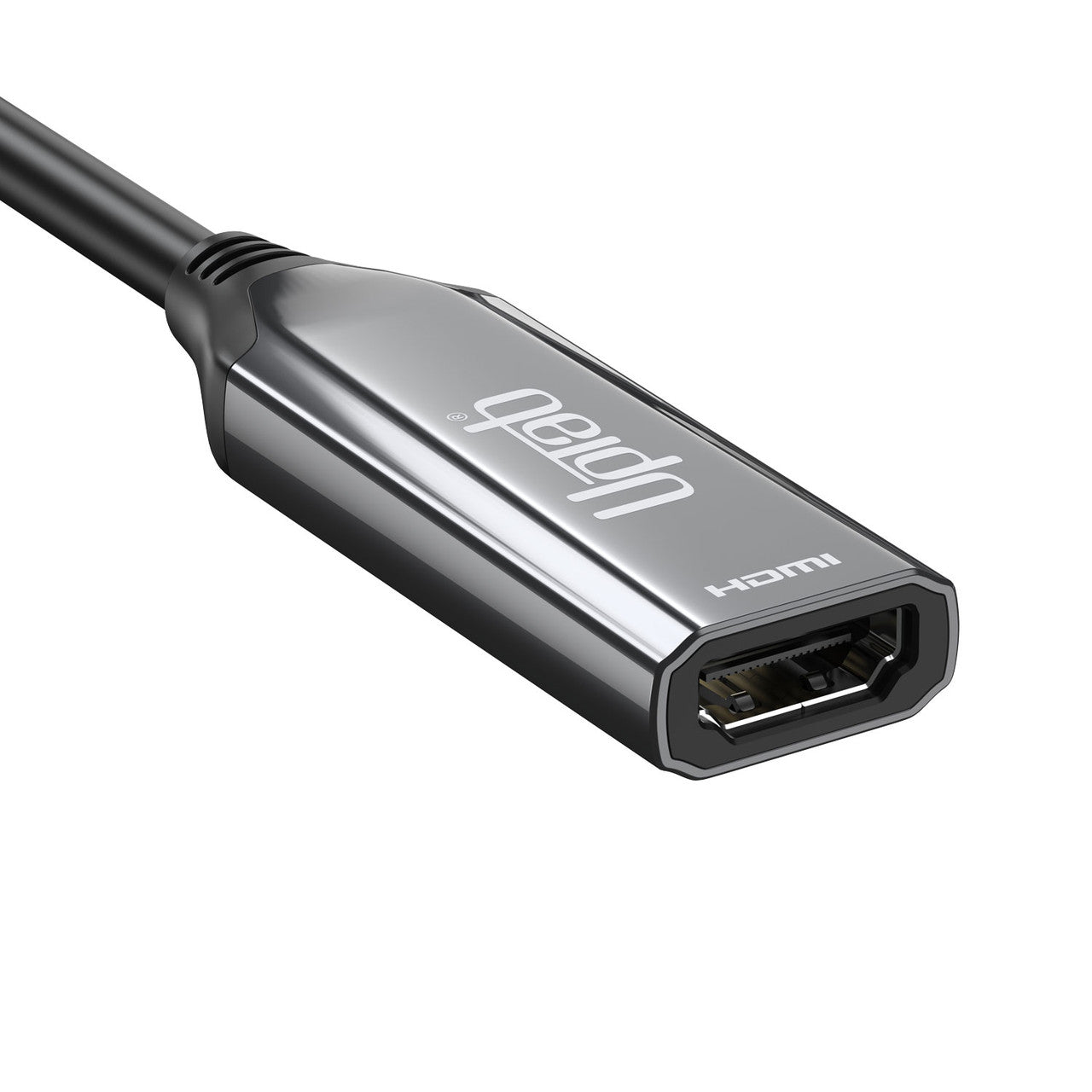
- Output: HDMI 2.1 Female; An Ultra High Speed HDMI 2.1 cable (sold separately) is required
- Supports maximum resolution/timing up to 8K@60p / 4K@120Hz with DSC
- HDMI 2.1 compliant transmitter, data rate up to FRL mode up to 12 Gbps per channel and TMDS mode up to 6 Gbps.
- LPCM and Compressed Audio encoding formats
- Support LPCM audio format with max audio sample rate up to 8-channel 192KHz
- Support HBR audio format up to 2-channel 768KHz
- Support 3D audio format up to 16-channel 96KHz. Support DSC v1.2a and backward compatible with the former version
- Support DSC pass-through mode
- Audio stream handling
- Multi-shielded cable
- Aluminum Shell
- Input: USB-C or Thunderbolt 3/4/5
- Output: HDMI Female; An HDMI 2.1 cable (sold separately) is required
- It can only convert the signal from USB-C to HDMI. This is not a bi-directional adapter
If you have any questions, you are always welcome to contact us. We'll get back to you as soon as possible, within 24 hours on weekdays.
-
Shipping Information
We process and ship most orders the same day. Delivery times vary based on your selected shipping method at checkout. Please ensure your shipping address is accurate to avoid delays.
-
Customer Support
Our team is here to help! For questions or assistance, contact us by email or through our contact form. We’ll get back to you as quickly as possible.
-
FAQ’s
When will my order ship?
Most orders are processed and shipped the same day. Delivery time depends on the shipping option selected at checkout.
What is your return policy?
Items may be returned within 30 days in original packaging with all accessories included. -
Contact Us
Have questions or need help? We’re here for you.
Customer Service available Mon - Fri 9am - 5pm (EST)
Email: cs@uptab.com
Phone: 1 (877) 333-1505
Or use our contact form—we’ll respond promptly.
Took me a bit to review because I didn't realize I needed an HDMI cable also. Got that this morning and put it on immediately. I'm over the moon that now I can project whatever is on my Samsung phone and Tablet onto my SmartTV! Woohoo! Great picture quality 👌

Great adapter that feels very solid with high quality construction. I posted a pic with the back of what the cable came in which has excellent technical specs and breakdown of what the cable can support and what you need for compatibility. It's rare to see that level of effort in simple cables that aren't overpriced. I tested this cable on an HDMI 2.1 TV, my LG C2 and it supports 4k/120hz with HDR.


This is so cool - with this adapter and an HDMI cable you can watch 4K movies on a TV or monitor… from your phone! Best part is, if the app supports background playing, you can lock your phone and even use an Apple Watch as a remote! This now lives in my bag and comes with me everywhere just in case I have a display and nothing to connect to it.


I got this adapter to use with my KVM switch and two computer set-up. I wanted to make sure I could get at least 5K @ 60Hz. I was happy to see this one supported 8K @ 60Hz. Very versatile adapter that can be used in many different scenarios. The quality is very good. The price is a great value. I can't rate the durability because I've only had it for a short time. So far I am very pleased. Five stars!


This USB C to HDMI adapter is a beast, I was surprised by the build quality. It's made of solid machined metal and has the weight to it to prove it. This doesn't affect anything with signal, but it could be used as a hammer if necessary.Pros -Solid MetalFeels PremiumMacbook HDMI out was perfectSound through HDMI worked greatPicture was greatCons -If you're travelling, this is going to be 10x heavier than plastic versionsIf you've got a delicate desk this metal may not be a great fitOverall this product works great, and if you want a statement adapter this is it.

When moving from a desktop winows PC with dual monitors to a Macbook Pro, video cabling is a challenge as on the Macbook, external video monitors are connected by a USB-C type connector while my HP PC used one HDMI and another HDMI to DVI converting cable. This particular cable I selected as it gave me a one cable solution to the HDMI connection as all I needed to do was unplug the HDMI from my PC and plug it into the female HDMI part of this short adapter cable. Voila, problem solved and it works great! Next step is to get a 2-port HDMI switch so I can leave both devices connected to the same monitor and just HDM switch between them. But for this first step, this worked well for me. No noticeable degradation in quality. In fact, I'm pretty sure the Macbook Pro is driving the monitor with a much clearer signal which makes sense as its display hardware is many years newer design. So, if you need an HDMI female to USBC male adapter cable, this one gets great marks!


Neither the LG 40 thinq nor the Pixel 6a had it. The screen capture shows the display on a portable Ignook monitor connected via a mini HDMI cable to the Uptab adapter on a Dell Latitude 7280 USB-C port.The laptop's USB is designated as Displayport which is also backwards compatible with HDMI Alt mode. In theory only a cable with the right connectors is needed to shadow the laptop's display.

I ordered this USB-C to HDMI cable because I'd like to watch content from my iPad Pro while traveling, and it has a USB 3 connection instead of the old Lightning connector. I download movies from streaming services like Amazon Prime video and Netflix to my iPad to watch on the big TVs on cruises and sometimes in hotel rooms. My lovely wife also watches Formula-1 races on weekends on YouTubeTV and it's nicer to watch that on a big screen instead of the iPad's screen. For my older iPad, I had a Lightning to HDMI adapter, and while that doesn't work on all hotel or cruise ship TVs because they sometimes lock the HDMI ports, it worked often enough to make it worth packing. I found that AirPlay or Chromecast casting only works if both the iPad and the TV are on the same WiFi network, and that's very uncommon while traveling.Now that I have a new iPad, I needed a new cable. I ordered this 4K-capable cable and tested it on a TV at home and am happy to report that it works perfectly. The iPad recognized it without requiring special software be installed and asked me if I want to use the connected display for screen mirroring or as a second display. It even displayed a little blue symbol in the upper-right corner. I played a bit of a downloaded movie, and also some TikTok videos on the big screen and it all worked perfectly.The only downside is that one cannot connect a charging cable to the iPad at the same time, so that will limit the runtime. I don't expect this to be an issue, but it would be a convenience and something to consider, so I took one star off for that, since it's clearly possible. In ever other way, this cable perfectly fits my needs and it's half the price of the Apple equivalent adapter, which may not even do 4K but does allow for simultaneous charging. If that's not a concern, definitely go for this product!


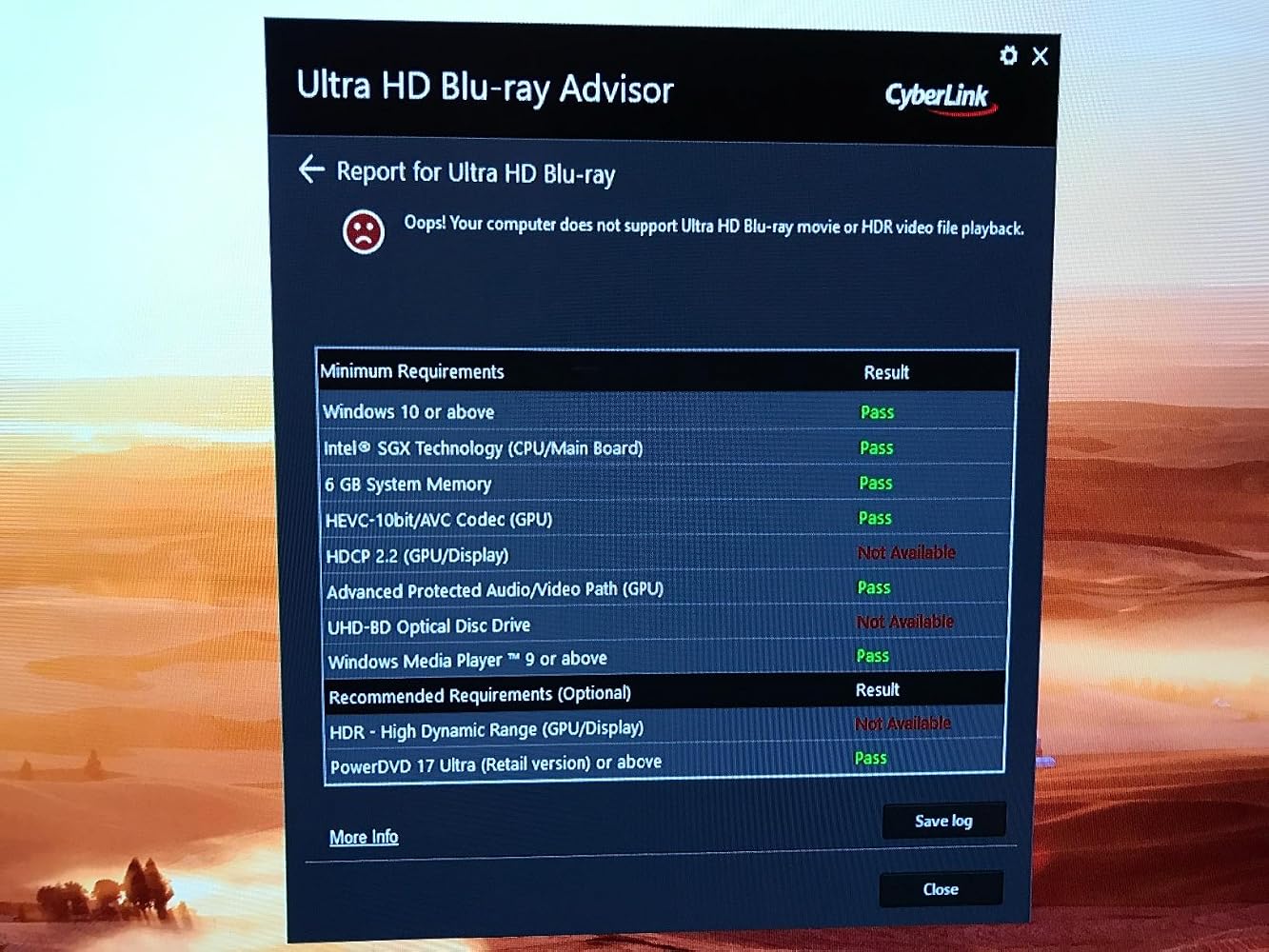
No video signal. Have to unplug and plug back in a few times to have video signal *everytime* power on.No HDR -> No HDMI2.0aHDCP 2.2 is also not work consistently.My TV: LG OLED65E6PMy HTPC:ASRock Faltal1ty Z270 Gaming ITX/ACCore i5-7500Windows 10 Pro
Works great getting streaming from my MacBook Air to the big screen TV. Very nice quality and finish on the cable itself. A quality product.
Bought to use on a Macbook Pro 2016 to drive my 4K TV.As others have mentioned it has to be plugged in when the computer boots. Plugging it in while the computer is on results in no picture, a suspend and resume wont help,it needs a full reboot to detect the screen. Also the screen must be plugged into the adapter and turned on as the computer boots up, the adapter being there isn't sufficient.Other than that inconvenience it works well. It drives my LG 43UH668V TV with 4k at 60Hz, and iTunes is happy to play HD content to it.I notice it will also drive my Dell P2415Q with 4k at 30Hz which is the maximum that monitor can do via HDMI.
Beautiful and sharp, fast, an exact full-screen replica of my computer screen. Now I can use any HDMI TV screen as a larger computer screen. That's a MAJOR Plus!
It's looking good product, my question is can you hook Apple TV to Apple monitor 27 inches old model. It doesn't have thunderbolt connections, it's got 3 port for flash drives
I tested this with a Chromebook/tablet to interface with an HD TV. Image/video quality was great. Audio was good without lag. Very nice looking dongle as well, so it would work in a professional setting if that is a concern.
I just needed something to easily hook up my android phone to a computer or tv screen and this does the job perfectly.
This is a standard USB C to HDMI adapter. I am using it with my computer and it works great. I just didn't have the enough HDMI slots and this worked great to convert what I needed. No problems with picture, speed, etc... works just fine.
Wow, 8K, HDR, 144Hz, all in one little USB-C to HDMI adapter? Sign me up! And at a very affordable price on top. This is a great product that's handled every device and video format I've thrown at it. You can't go wrong.
I wanted this for when we are traveling. Being able to connect a laptop or tablet to the TV to watch what you want is perfect. The cable is very short, but feels very durable. I don't have anything 4K to connect it to, so can't vouch for performance at that level, but it works well for what I wanted it for.
I needed to add an additional monitor to my computer, but without a dedicated video card I didn't have any more ports. So I got this to plug in my monitor to a USB-C port and it's been perfect! As a bonus, my laptop doesn't even have an HDMI port and I can use this to plug displays into my laptop.
I needed to be able to connect my phone to a larger screen and only through HDMI and it WORKS GREAT!!! The packaging was sealed extremely well, no moisture was able to get in and ruin the cord. Bravo on that one! I can see how this might not work with old tech or outdated - or tech that is not great, but modern tech such as my 4k TV or my new HD 4k monitor? WORKS GREAT! If you are using an inferior brand - it might not work. This is great quality.
I purchased the uptab USB C to HDMI Adapter for my wife's MacBook mini to enable her to use dual monitors, and I couldn't be happier with the results. This adapter works like a charm, providing seamless connectivity without any hassle. The plug-and-play functionality makes it incredibly easy to set up, allowing her to instantly enjoy the benefits of dual monitors without any complicated configurations. Whether she's working on productivity tasks or enjoying multimedia content, the adapter delivers impeccable performance. Overall, I highly recommend this product to anyone looking to expand their display capabilities with ease.
Excellent adapter works exactly as I expected. The adapter copes well with its tasks and does not heat up during long-term use; my previous adapter was constantly heating up, which is why I decided to replace it. The adapter is well made and looks high quality, I think it will last a long time.
As a freelancer who works from all sorts of locations, reliable tech is essential. This USB-C to HDMI adapter has become my trusty sidekick. It's small enough to toss in my laptop bag, yet feels incredibly durable. I've connected to projectors, hotel TVs, and huge external monitors, and it's never failed to deliver a crisp, clear picture. If you have a MacBook and need to connect to HDMI displays, this adapter is a lifesaver.
Very high quality cable, looks and feels premium and works like it is supposed to. Value is probably ok, but it is higher priced than others on line. That said, the quality is there. Don't l love the giant logo on it though.
Free Shipping Over $50
Same-Day Shipping on Most Orders